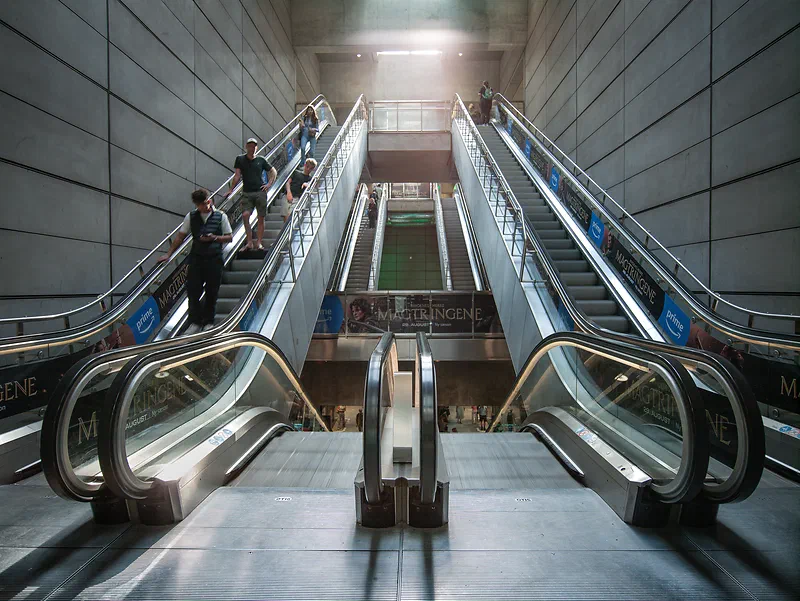
Why get an old digital back when you could get a modern mirrorless medium format camera? Last year I wrote a blog post about buying a Fujifilm GFX and selling it again. To me, the GFX was designed for pixel-peeping sharpness. Neither the lenses nor the sensor gave the images much pop, they looked flat, and the “color science” was a step down compared to other Fujifilm cameras. It’s probably great for commercial product photographers, but not for me, since I’m looking for something that can create a unique look.
I also bought a Kodak DCS 645 Pro Back (digital back) from 2002 (check out my blog post about it), and that digital back blew me away with its great colors and the pop in its images. The Kodak DCS 645 Pro Back is a really clunky setup, though, so I started looking for something more modern, which brought me to the Mamiya ZD.
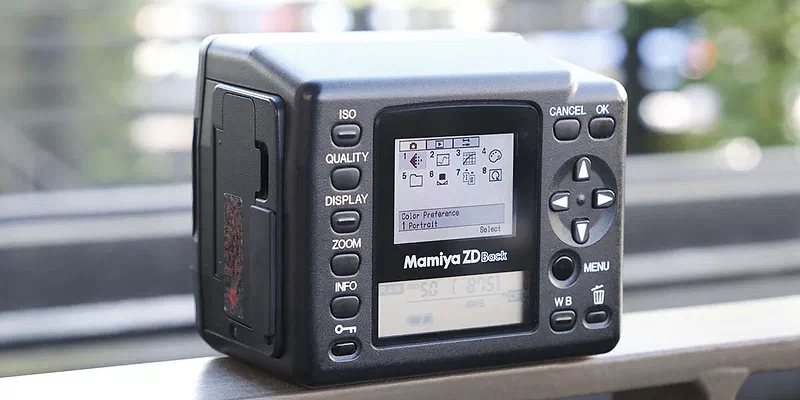
Mamiya ZD – DSLR camera and digital back
Mamiya was one of the biggest makers of medium format film gear, so back in the early 00’s it was only logical for them to also make a digital medium format camera / digital back. They announced the Mamiya ZD in 2004 but didn’t start delivering it until late 2006, and from what I can read online, by then the camera was already a bit obsolete in many ways.
The Mamiya ZD came in two versions: a complete DSLR, with the camera body and digital back built together into a “small” (for medium format) camera, and a digital back that fits either Mamiya AFD cameras or Mamiya RZ cameras.
I was very intrigued by the Mamiya ZD DSLR because of its small size for a medium format camera, and I ordered one on Ebay, but it had so many problems (mostly autofocus problems). Googling the Mamiya ZD, it seems a lot of these cameras have problems today. I returned it and went for a Mamiya ZD digital back instead, which fits my Mamiya AFD II and Phase One DF+ cameras. This is a cheaper solution and maybe also more future-proof: if the digital back breaks, you can replace it, and if the camera stops working, you can replace that, whereas with the Mamiya ZD DSLR you have to replace the whole thing if something breaks. Autofocus is also faster on the Phase One DF+, and it has a more modern lens selection.
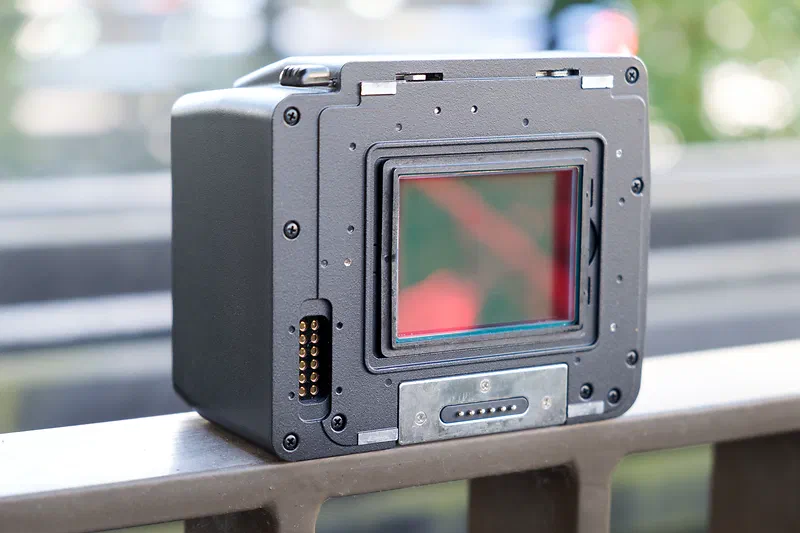
The specs of the Mamiya ZD (DSLR or digital back) are as follows:
- 22 megapixel CCD sensor
- Sensor size is 48x36mm (larger than Fujifilm GFX or Hasselblad X cameras)
- Crop factor is 0.72
- ISO goes from 50-400, but always use ISO 50
- CF card and SD card slots. CF card writing is faster, so I prefer that. I also didn’t have any problems with large 32 GB CF cards, unlike other old digital backs that often only support up to 4 GB.
- Firewire port for tethering
- Versions for either Mamiya AFD / Phase One DF or Mamiya RZ67 cameras
My impression
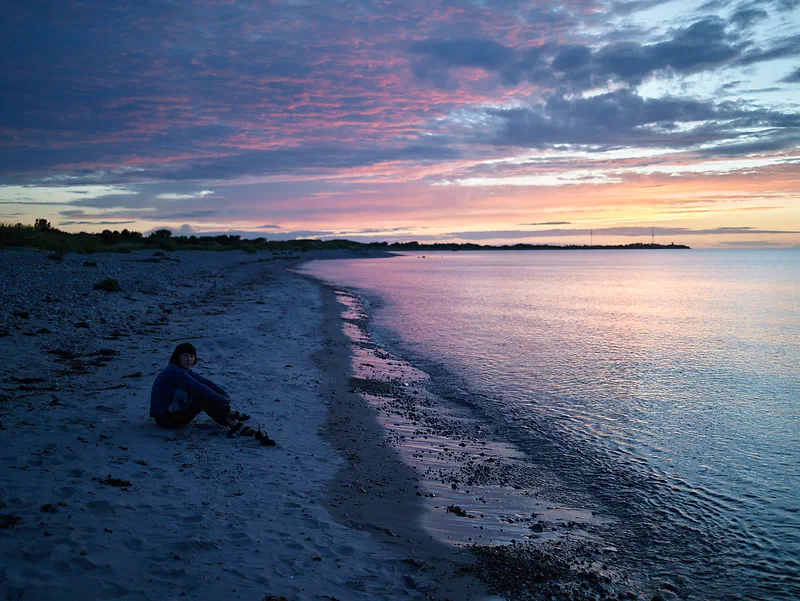
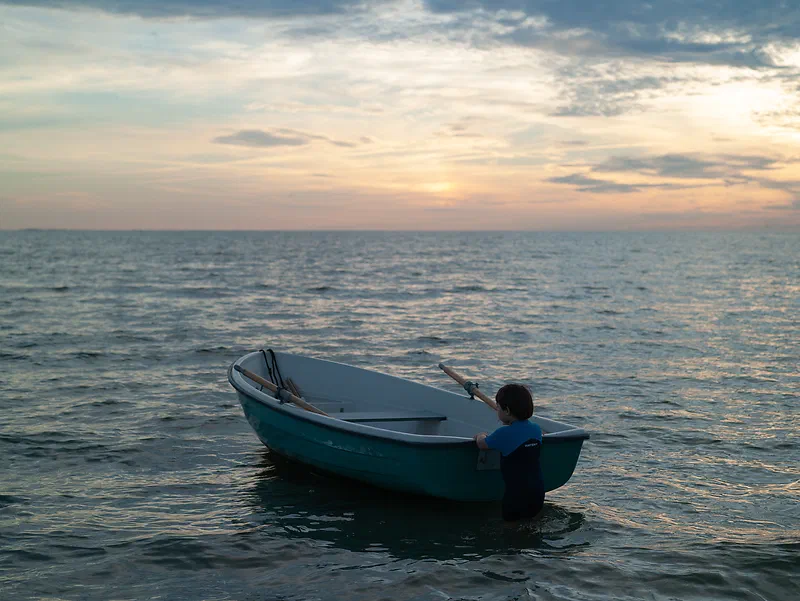
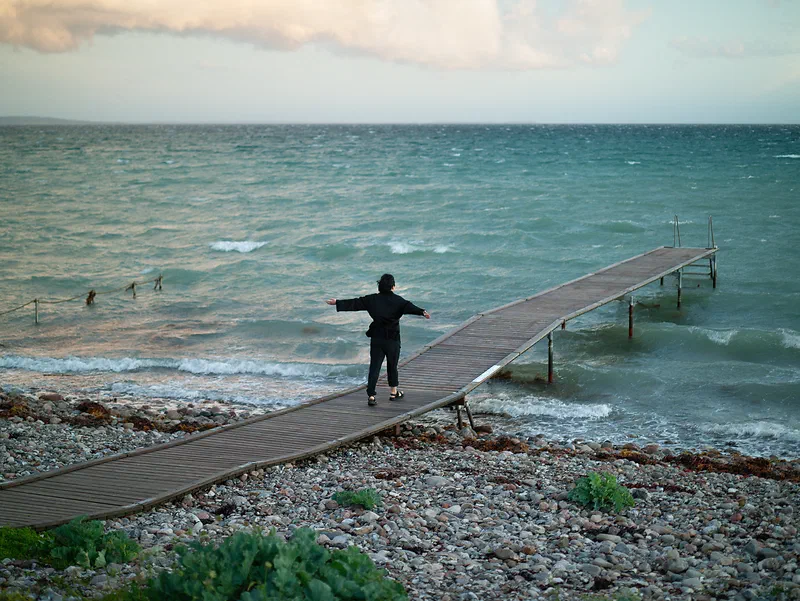
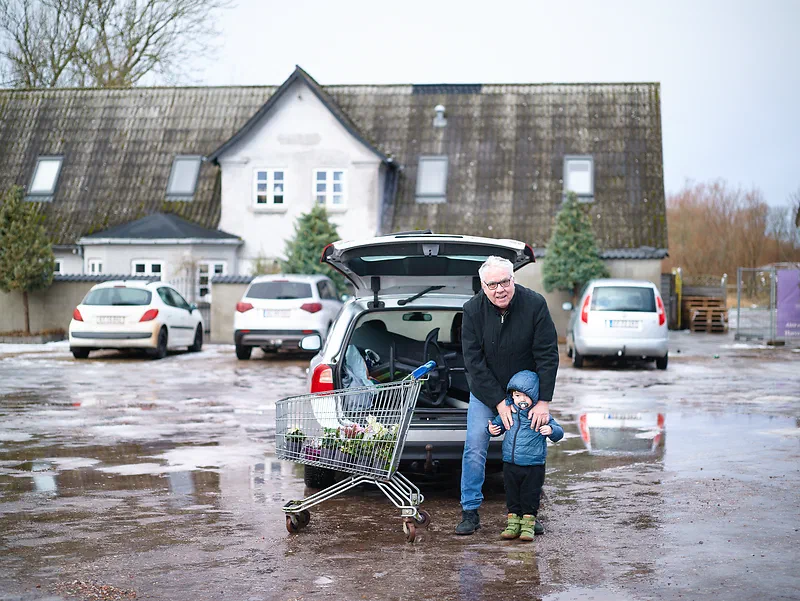
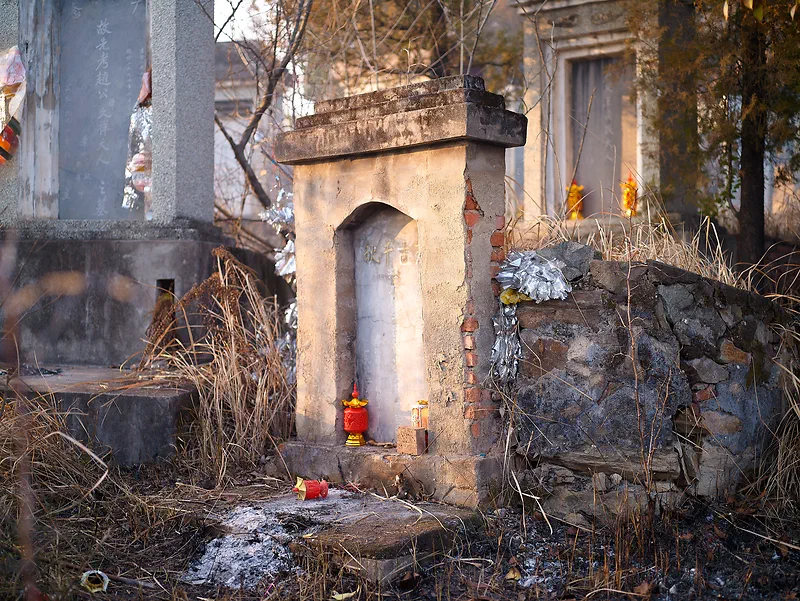
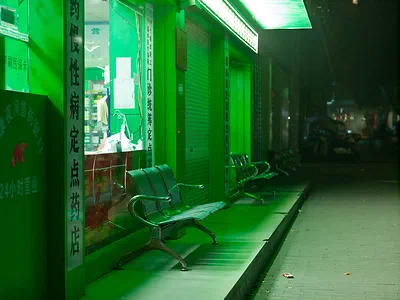
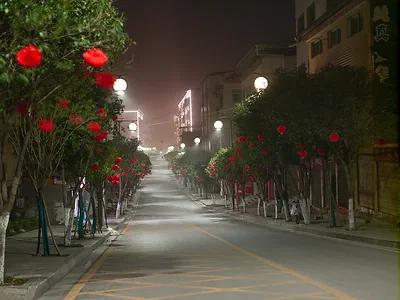
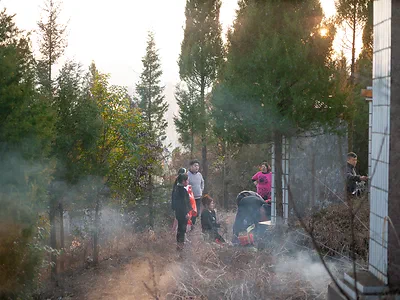
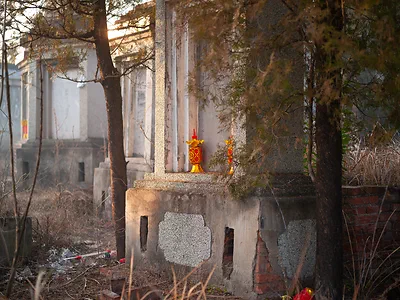
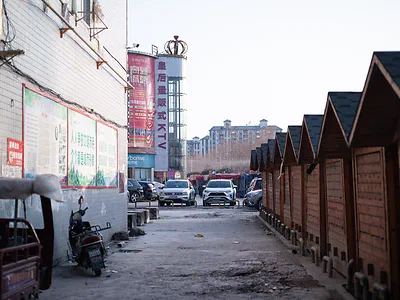
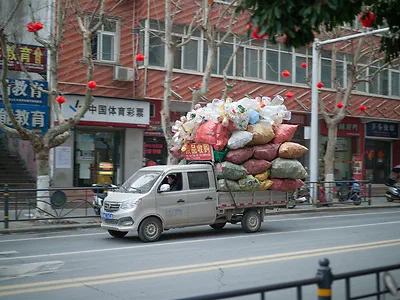
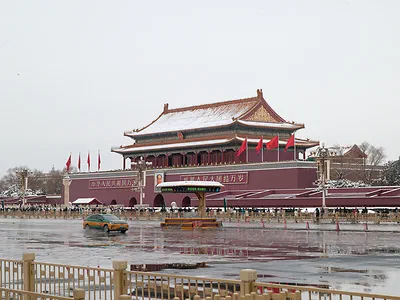
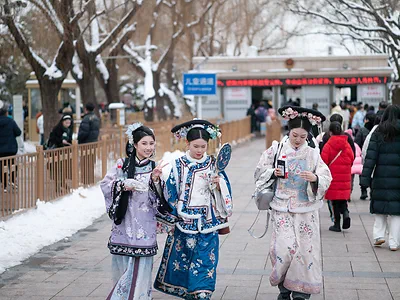
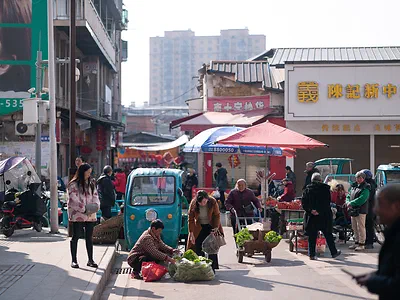
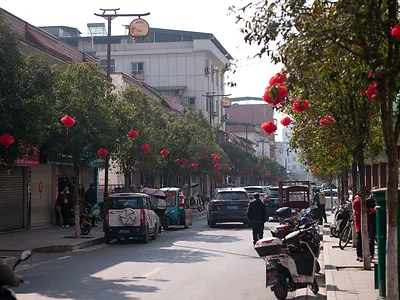
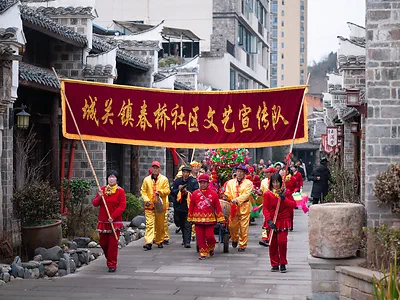
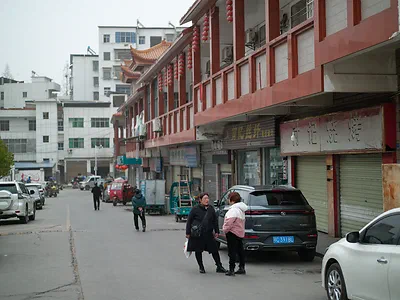
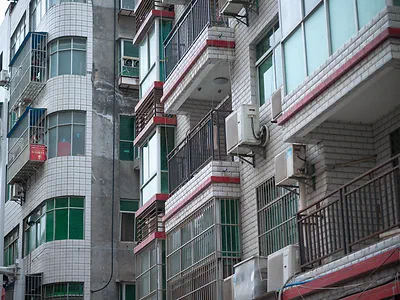
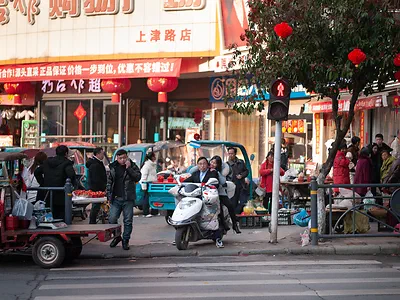
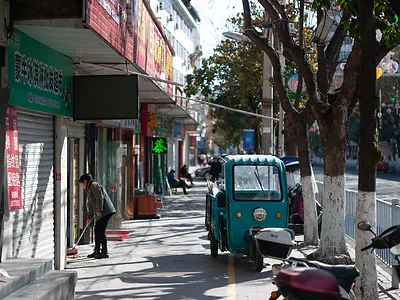
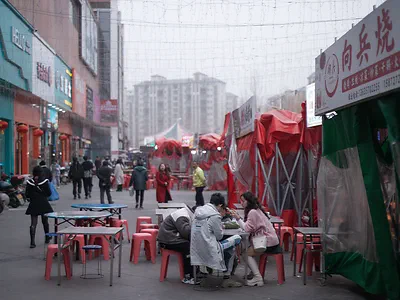
I brought the Mamiya ZD digital back, together with my Phase One DF+ camera and the Phase One Schneider 80mm f2.8 and 110mm f2.8 lenses, on a trip to China to visit my wife’s family. I always look at photos on Flickr before I buy a camera, and I noticed that the sensor seems to enhance reds and greens, so I thought it would suit a China trip very well. That turned out to be true. Reds really pop, and you almost have to desaturate them when editing. On the other hand, a lot of photos can look very grey; for example, the street in your photos will often be completely grey, where other cameras would give it a tint of blue. The colors are mostly shifted towards green, but that’s easily fixed. To my surprise, the color that shines the most on this sensor is pink. Check out the photo below or Oleg Portnov’s photos on Flickr. Living in Denmark (with long grey winters and architecture and city design that are often very colorless), the Mamiya ZD doesn’t really work for me, and apart from a few colors, its colors aren’t that beautiful.
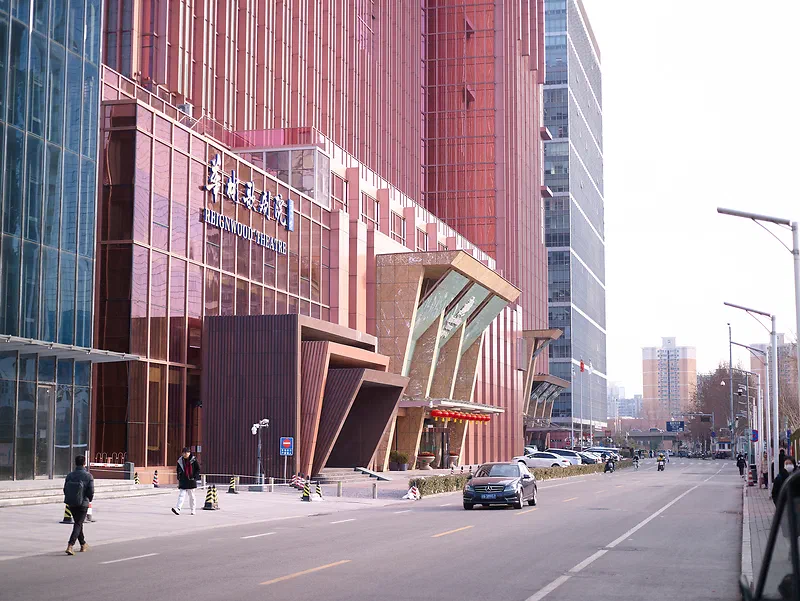
The photos are very sharp, maybe the sharpest I’ve seen. In comparison, my Hasselblad H2 with either a CF-22 or CF-39, or the Fujifilm GFX 50S II I tried last year, is way softer. I think it comes down both to the Mamiya ZD’s sensor and to the great Phase One Schneider and Mamiya AF lenses. Images look sharp, with a great pop to them.
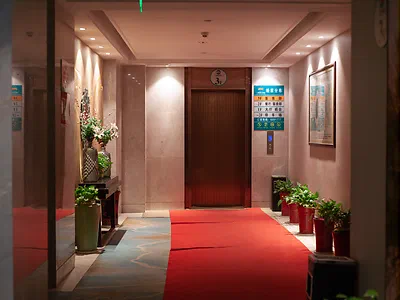
I can’t find any official specs for the Mamiya ZD’s dynamic range, but several people in forum posts say it has 12 stops. I think that fits my experience: both highlight and shadow recovery are very good, which surprised me. That also makes this camera good in high-contrast situations like night cityscapes or midday photography, which is great.
I used Adobe Camera Raw to edit the raw files at first, but later switched to Capture One (the photos in this post are a mix of both), and I think Capture One is superior. Like with most cameras, sharpness is just better in Capture One, and the colors look good out of the box with no color tints.
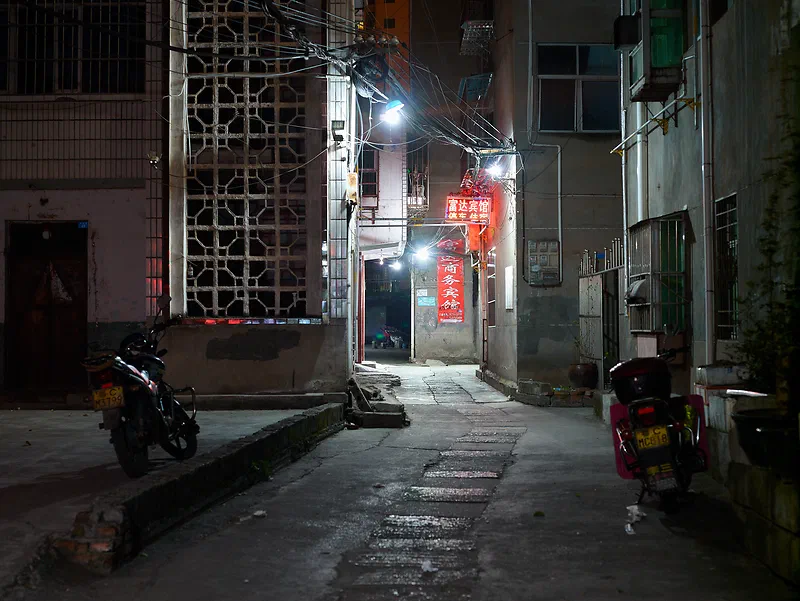
The base ISO is 50, and even though it goes up to ISO 400, with old digital backs you should only use base ISO. My Kodak DCS 645 Pro Back has a base ISO of 100, so the Mamiya ZD gives you one stop less light to work with, which is a problem when the sun gets low in the sky (and of course there’s no image stabilization on these cameras, and the longer lenses require faster shutter speeds).
Obstacles and tips
The Mamiya ZD was designed for the Mamiya AFD, but it also works on newer cameras. I used it on my Mamiya AFD II (without problems) and on my Phase One DF+ (with some issues). The Phase One DF uses a slightly different protocol to talk to digital backs. The Phase One DF+ has a Mamiya ZD compatibility mode in the custom functions menu, and unless I turned it on, the older Mamiya AF lenses gave me a strange pink flare on the left side of each image. With the more modern Schneider lenses, it wasn’t a problem. It could be random, but I did notice the camera locked up a few times when I used the Mamiya ZD compatibility mode. To enable it: Custom Functions -> C-97 Support for Mamiya ZD backs -> set to 1.
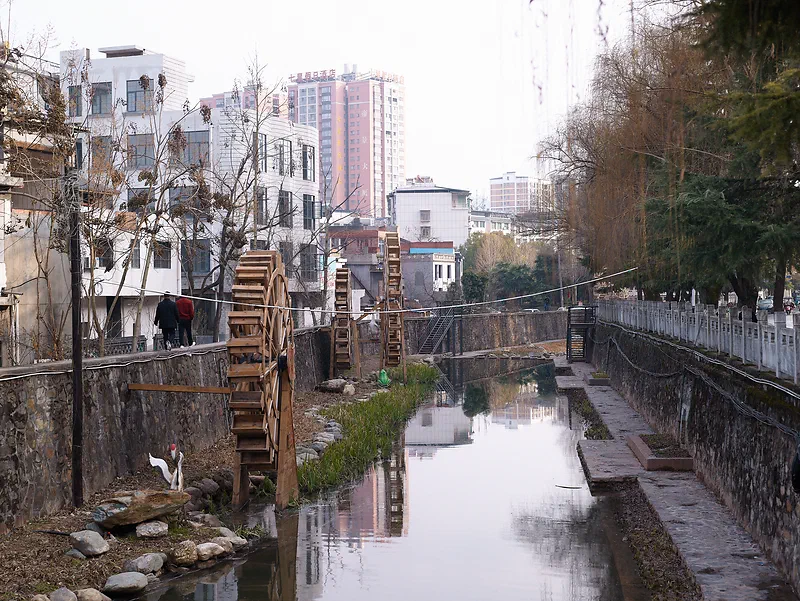
With digital backs, the sensor size often results in odd focal lengths, since the lenses were designed for the Mamiya 645 system and 645 film. An 80mm is a 50mm (full frame equivalent) on the original Mamiya 645 film cameras, but on the Mamiya ZD the 80mm is a 57mm. That’s actually a pretty good focal length. In the old days 56mm lenses were common, but now it’s always 50mm. I find 50mm (full frame) too short and 85mm (full frame) too long. 56mm or 60mm is a really good length for cityscapes, isolating subjects while still keeping some context. So the 80mm is a good length, but other lenses might not fit what you need. For example, 35mm is a great focal length on full frame, but on the Mamiya ZD the 55mm is a 40mm and the 45mm is a 32mm.
The viewfinder of the Mamiya AFD / Phase One DF cameras is designed for the original Mamiya 645 film format (with a viewfinder crop), which is slightly bigger than the Mamiya ZD’s sensor. That can make framing your photos difficult, but the Mamiya AFD / Phase One DF cameras support inserting a viewfinder mask underneath the focusing screen. You can either make your own by printing on a transparent plastic sheet, or order one. I can’t find viewfinder masks for the Mamiya ZD anymore, but you can buy them new for the Phase One P25/P45, which has basically the same sensor size. I ordered mine from digitalback.com. They only ship to the US, so I used shopusa.com for shipping.
The histogram is important on these old digital backs because of their small, low-quality screens, but on the Mamiya ZD it was hard to figure out how to turn it on. To show the histogram, first view your images by pressing the Display button, then hold down the Info button and press the up or down arrow to cycle through the display options, including the histogram.
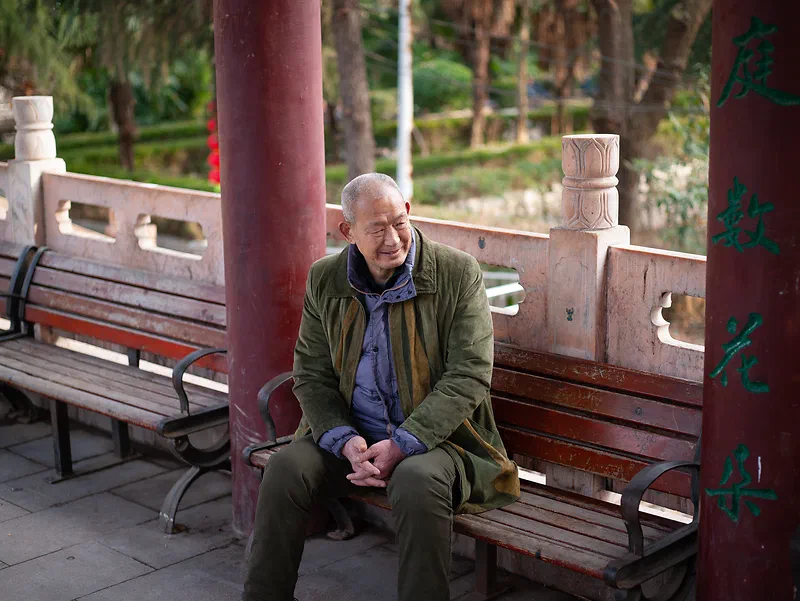
The batteries that came with my Mamiya ZD only held a limited charge. There are third-party batteries for sale (but people report problems with them in forum posts). I found out by accident that the batteries are the same as in the Konica Minolta 5D, and those cameras can often be found for almost nothing on your local marketplace sites.
Software
- Mamiya Digital PhotoStudio: Mamiya’s own software for the Mamiya ZD. You can use it to shoot tethered with the camera connected to a computer, which you can’t do with Capture One. Someone was kind enough to share the Windows version with me, and you can download it here: Mamiya Digital PhotoStudio Windows.zip
- Legacy Denoiser: Modern denoise programs like DxO PureRAW and Lightroom don’t support the Mamiya ZD raw files, so I made a free tool for it. It lets DxO PureRAW 3 remove the noise with its DeepPRIME AI and gives you a normal DNG raw file back, which you can still edit in Lightroom or Camera Raw, and the edits you already made in Camera Raw are kept. With a base ISO of only 50, the Mamiya ZD quickly runs out of light when the sun gets low. With Legacy Denoiser you can shoot in lower light, raise the exposure afterwards and still get rid of the noise. It runs on Windows and also works with the Kodak DCS Pro Back. Get it from my Github.
I’m still looking for newer versions of Mamiya Digital PhotoStudio, especially the Mac version. I’m also looking for newer Mamiya ZD firmware. I’ve seen people mention a newer firmware (1.10, I think), but I can’t find it anywhere. If you have any of it, please contact me and I’ll share it here on the blog.
Video
Watch this blog post in video format.
Conclusion
It’s not my favorite digital medium format setup, but it definitely has its place, and I’ll be keeping it. The colors from the sensor were great for my China trip, and some colors look really good on it. It doesn’t really suit the scenery here in Denmark where I live, but it might be a great option if you live in or travel to more colorful places. The sharpness of the sensor and the Phase One lenses is amazing, some of the best I’ve tried so far.
Among the digital medium format options I’ve tried, the Mamiya ZD is one of the only ones worth keeping, along with the Kodak DCS Pro Back. Here are some of the other digital medium format options I’ve recently tried but didn’t keep: Phase One P45+ (sharp images but poor colors), Leaf Aptus 22 (unsharp and average colors), Hasselblad H2D / CF-39 (unsharp, boring colors), Fujifilm GFX (not as good as Fuji X colors, flat and clinical lenses).
So this is a niche product for niche photographers. If you’re one of them, the Mamiya ZD could be interesting.

Update: More photos added after the review was published