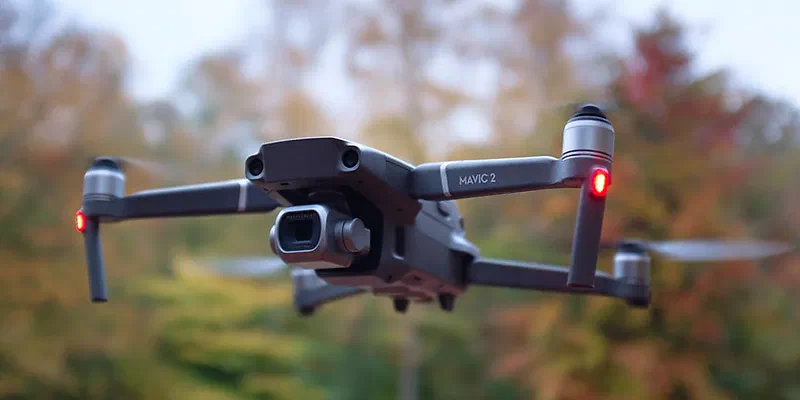
I’ve owned the DJI Mavic 2 Pro drone for a year now, so it’s time for a review from a photographer’s point of view.
I upgraded to it from the DJI Mavic Air, and before that I had the DJI Phantom 3. Both of those drones were fun to try but lacked image quality. The Mavic 2 Pro has a 1″ image sensor. That’s still small, but I think a 1″ sensor is the absolute minimum for anything usable in photography.
As with every other DJI drone I’ve owned, I’m amazed at the technological leap with each new generation. It’s small and light, and easy to bring in your bag. The sensors on the drone work really well and avoid obstacles automatically. The extended range compared to the Mavic Air is very useful. The control app on your phone is easy to use and responsive. All in all, a great experience.
I was also relieved to find that the image quality of the Mavic 2 Pro was a big step up from the Mavic Air. The problem, though, is that Adobe Lightroom / Camera Raw is really bad at editing the raw files and gives ugly, less sharp results. Use Capture One instead, which gives you pretty good, clean results. The images aren’t going to knock your socks off, but they’re good enough to share online at larger resolutions.
The image stabilization on the camera is amazing – I’ve taken night shots at a 1/2 sec shutter speed. And remember that there’s much more wind the higher you go, so the stabilizer really has to be good.
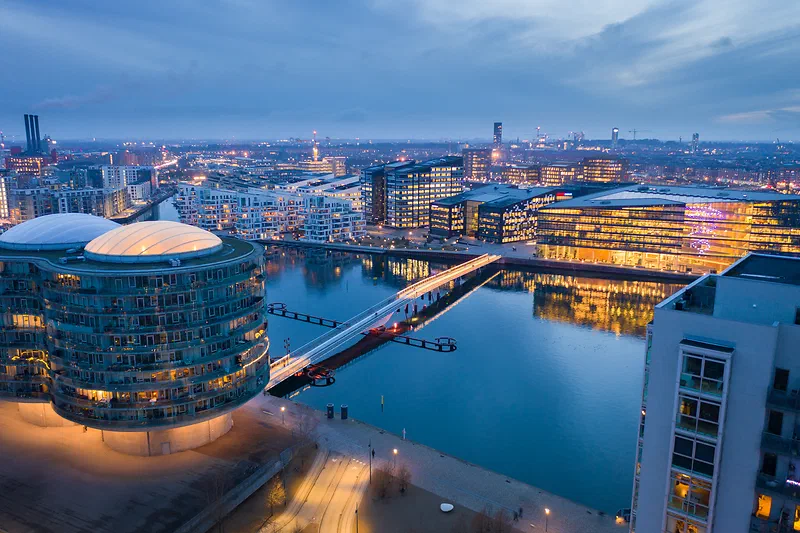
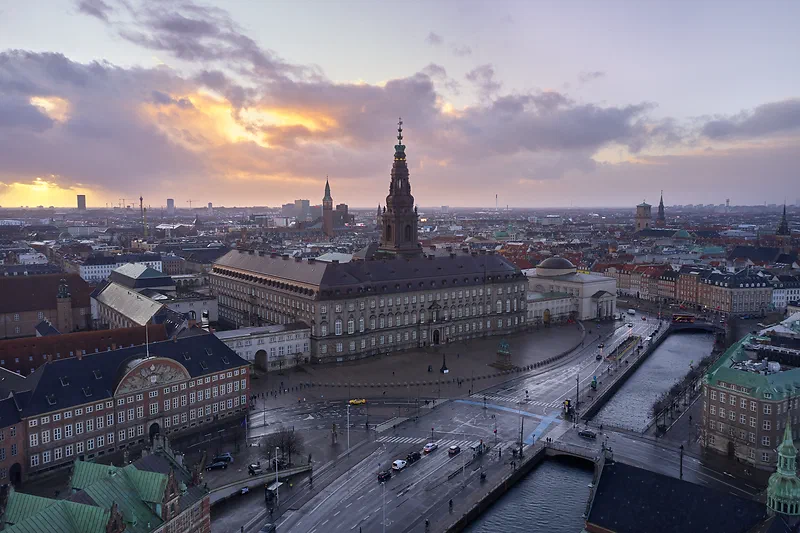
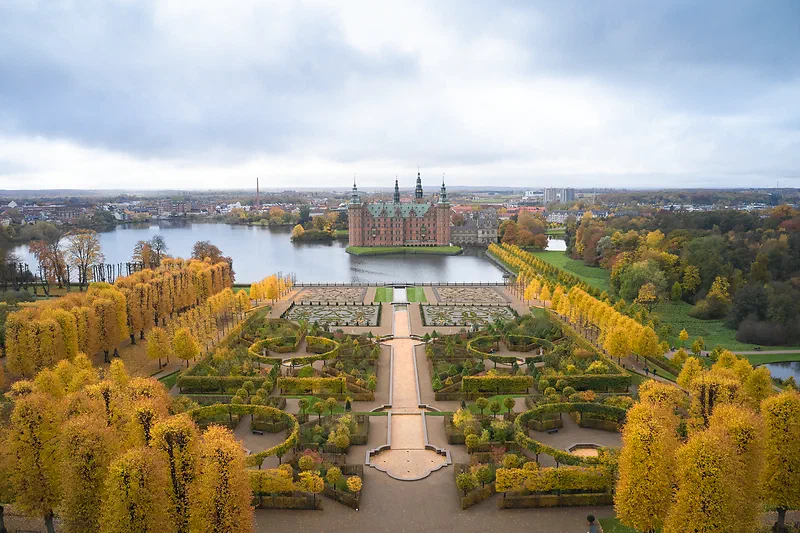
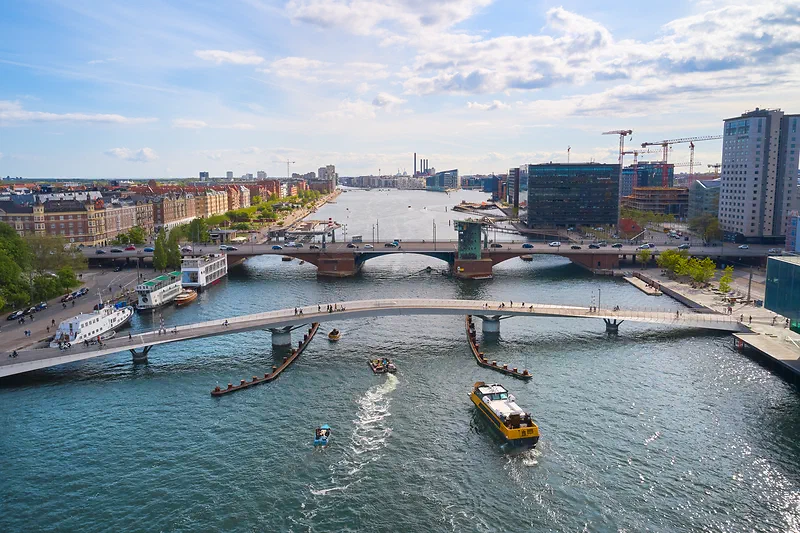
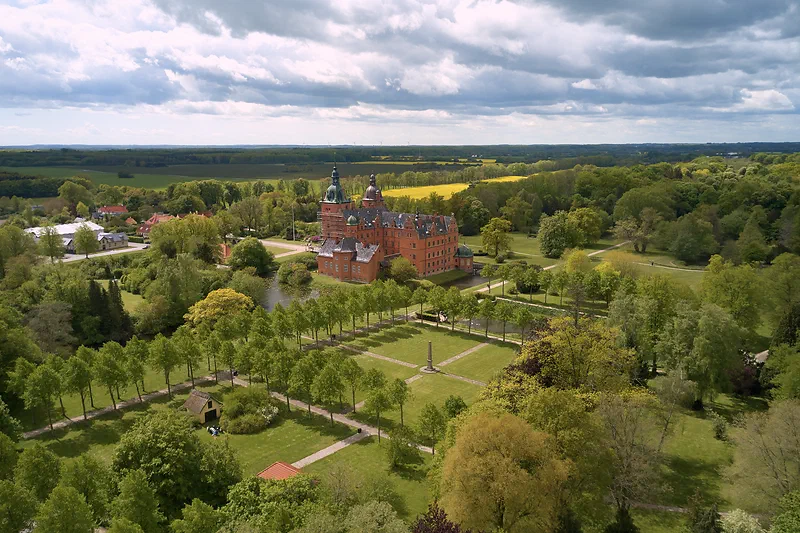
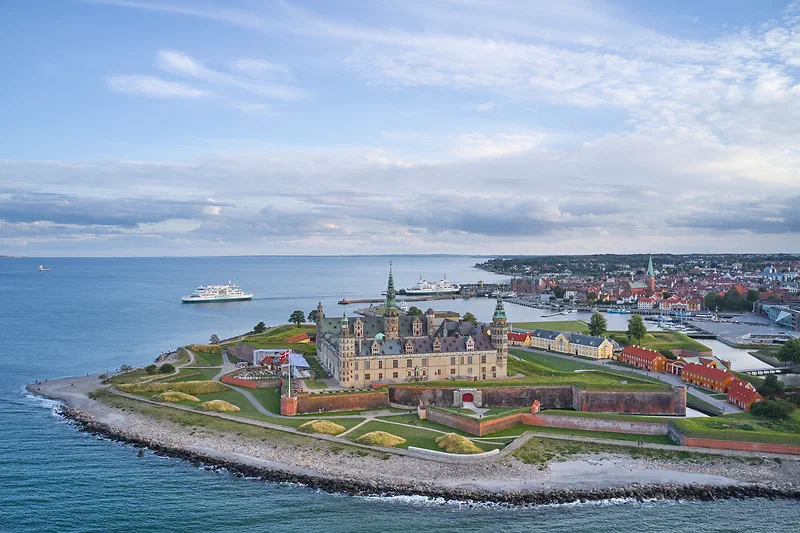
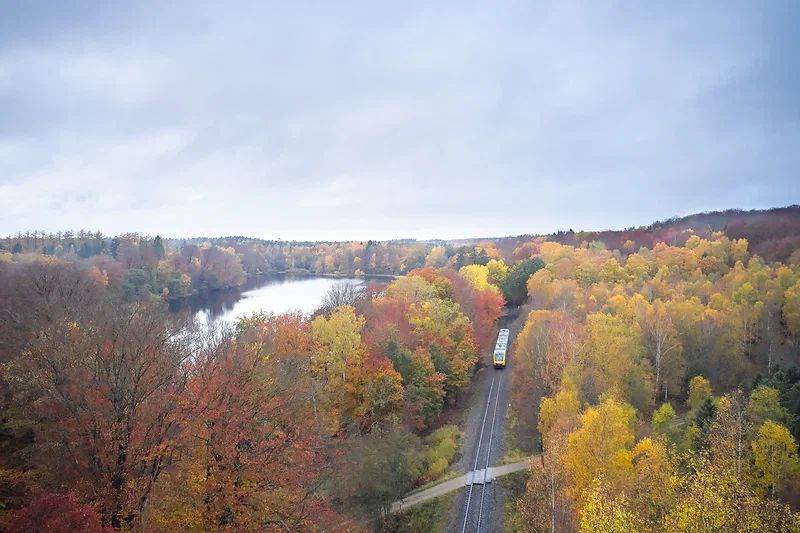
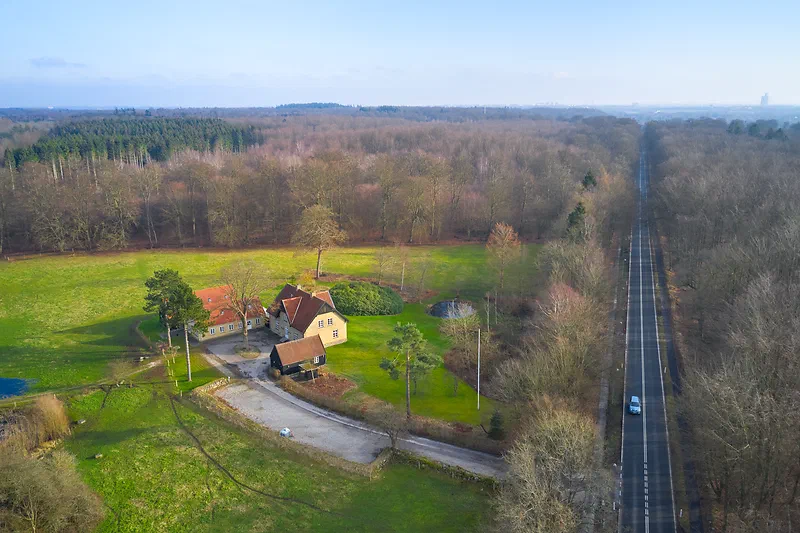
There are lots of options for advanced photographers who want to improve image quality. You can shoot brackets to merge into an “HDR” photo. You can use burst mode to try the “super resolution” trick (stacking images on top of each other in Photoshop to increase resolution). You can use the panorama mode, where the drone moves the camera and takes the shots by itself, and then stitch the raw files together manually (there’s an option to make the drone save the individual raw files from panorama shots). All the photos you see in this post are just plain single raw files edited in Capture One, but there are plenty of options for photographers who like to squeeze out more image quality.
Conclusion
- Usable image quality – nothing to dream about, but fine for sharing online.
- Small, light setup that’s easy to always bring along.
- If you’re a content creator doing photography for work, a drone like this is almost a must, especially if you also do video.
- If you do photography for yourself, with no clients or customers, and you really care about image quality, a drone like this is probably not for you. You probably won’t enjoy the files it produces.
- If you buy a drone, don’t buy one with a sensor smaller than 1″ = only buy this drone (at least in 2020).
Personally, I used this drone every day for the first month, but the novelty wore off quickly. Today I only bring it on day trips and the like. I put it up in the air when I’m out, the light is good and there’s nothing to photograph on the ground. It’s fun to fly around and see what you can find. But the images I’ve taken with it don’t mean much to me, and it doesn’t excite me much.
Are there better options? DJI also makes very expensive drones with a Micro Four Thirds sensor (the DJI Inspire with the Zenmuse X5), but they’re expensive, big and hard to use in a city, and judging from the sample raw files I downloaded, the image quality isn’t that much better. There are also professional options where you mount a real camera on a huge heavy-lift drone, but again, they’re very expensive and difficult to use. So the way I see it, this is the best option for now (2020), and probably will be for many years unless more companies enter the drone market.
Here are some more photos shot with the Mavic 2 Pro. Enjoy!
And here are some video clips from the drone: